实现PDF文件网页直接查看功能
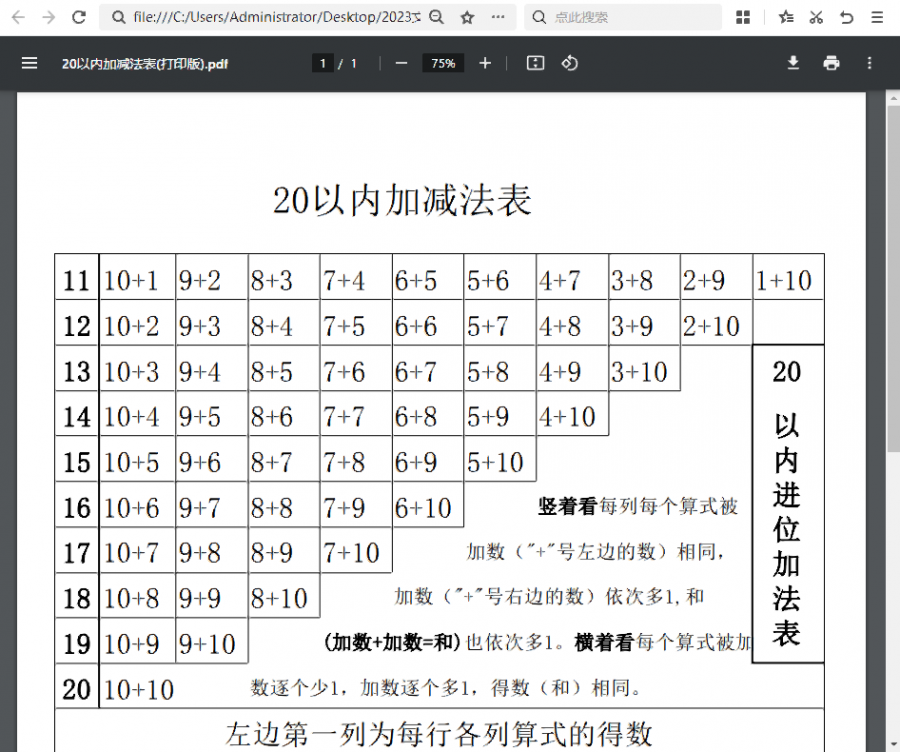
很多网站上传PDF文件作为附件,默认情况需要下载查看,有时还因为找不到关联的PDF程序无法打开。其实现在的浏览器,特别是chrome内核版本的都可以直接查看。可以自己加入代码到页面或编辑中,以实现在线查看功能。以下代码中加了IE判断,因为使用IE内核本身不支持无法实现。
一般页面代码如下:
<html>

<head>

<script>

function checkie(){

if (window.ActiveXObject || "ActiveXObject" in window){

alert("本文件不支持IE显示,请使用谷歌chrome或者360等浏览器!")

}

}

</script>

</head>

<body>

<script>

checkie()

</script>

<iframe src=".upload/file.pdf" marginWidth="0" marginHeight="0" scrolling="no" frameBorder="0" style="width: calc(100% + 17px); height: calc(100% + 17px)"></iframe>

</body></html>
如果是后台文章内容编辑器,左上角选择HTML代码编辑,粘贴以下代码即可。只是去掉了<。html。><。head。>标签。
<script>

function checkie(){

if (window.ActiveXObject || "ActiveXObject" in window){

alert("本文件不支持IE显示,请使用谷歌chrome或者360等浏览器!")

}

}

</script>

<script>

checkie()

</script>

<iframe src=".upload/file.pdf" marginWidth="0" marginHeight="0" scrolling="no" frameBorder="0" style="width: calc(100% + 17px); height: calc(100% + 17px)"></iframe>